
Custom Helpers
Built-in helpers for comparisons, formatting, date handling, and logic - ready to use out of the box.
Handlebars Engine
Variables, conditionals, loops, and nested expressions for fully dynamic templates.
Instant Autocomplete
Type {{ in any editor to search and insert variables, helpers, and expressions instantly.
How Handlebars Templating Works in CampaignLark
Use variables, conditionals, and loops to build fully dynamic emails. Every template has access to contact, workspace, event, and action data automatically.
Variables & Merge Tags
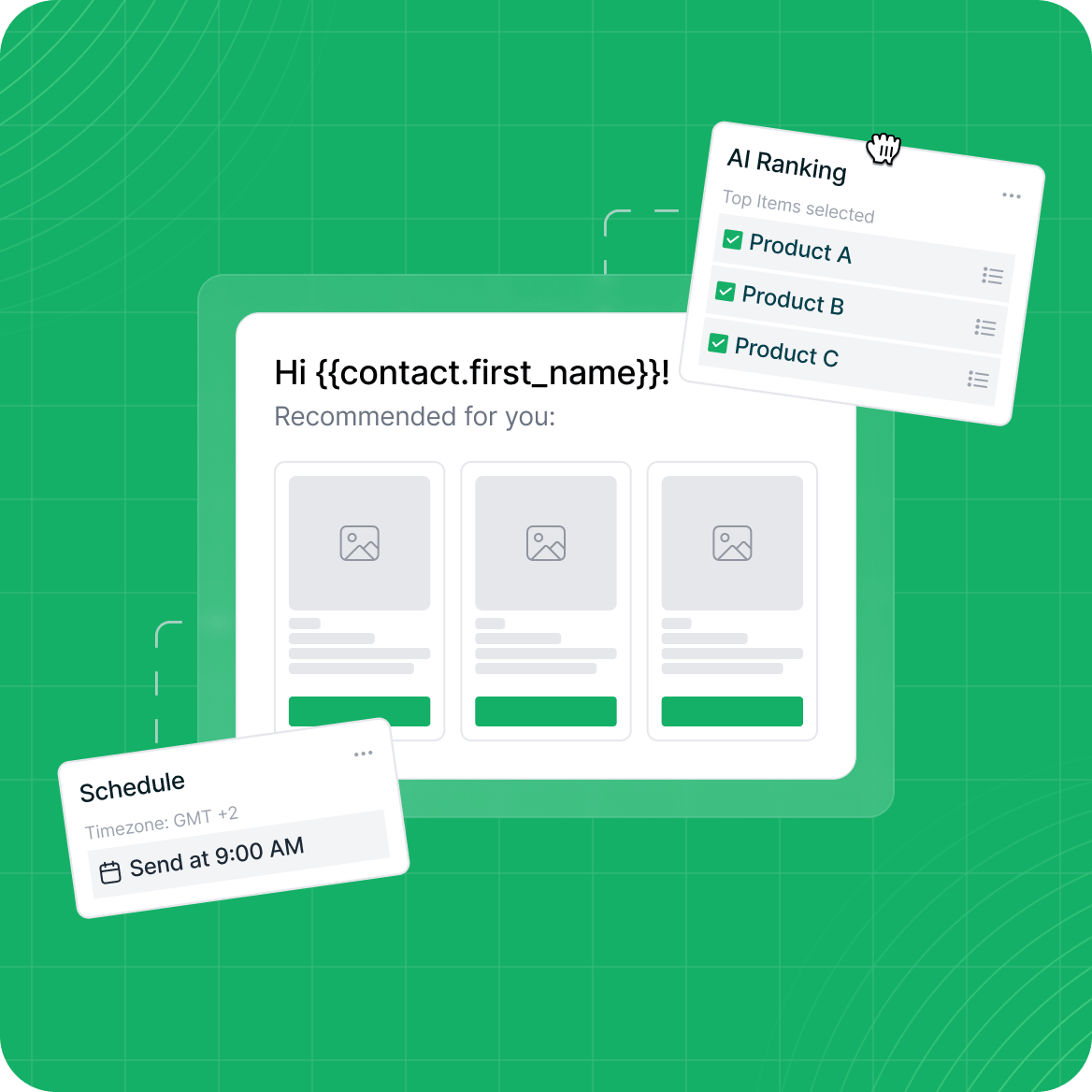
Insert contact, workspace, and event data anywhere in your template. Access nested properties with dot notation like {{contact.first_name}} or {{workspace.name}}.
Conditionals & Logic
Show or hide entire sections with if/else blocks. Nest helpers like eq, gt, and, or to build compound expressions that adapt content to each recipient.
Loops & Custom Helpers
Iterate over arrays with {{#each}} to generate dynamic sections. Use helpers like formatDate, truncate, capitalize, and default to format output exactly how you need it.
Powerful Templating Built Right In
From simple merge tags to complex conditional logic and loops,everything you need to personalize at scale is already included.
Dynamic Rendering
Our template engine supports variables, conditionals, loops, nested helpers, and scoping - giving you full control over dynamic content in every email.
Event & Contact Data
Access contact fields, workspace properties, event payloads, and action URLs like unsubscribe and view-online - all available as template variables automatically.
Safe Fallback Rendering
If a template has syntax errors, CampaignLark attempts a fallback render - simple variables are still replaced so your emails still go out with personalized data.
Full Templating Guide
Every helper, variable, and expression is documented. Check our templating guide for examples, nesting patterns, and best practices.
Advanced marketing tools built for your success
From drag-and-drop builders to complex automation workflows,we provide everything to engage your audience effectively.